
Back
NEW FEATURE
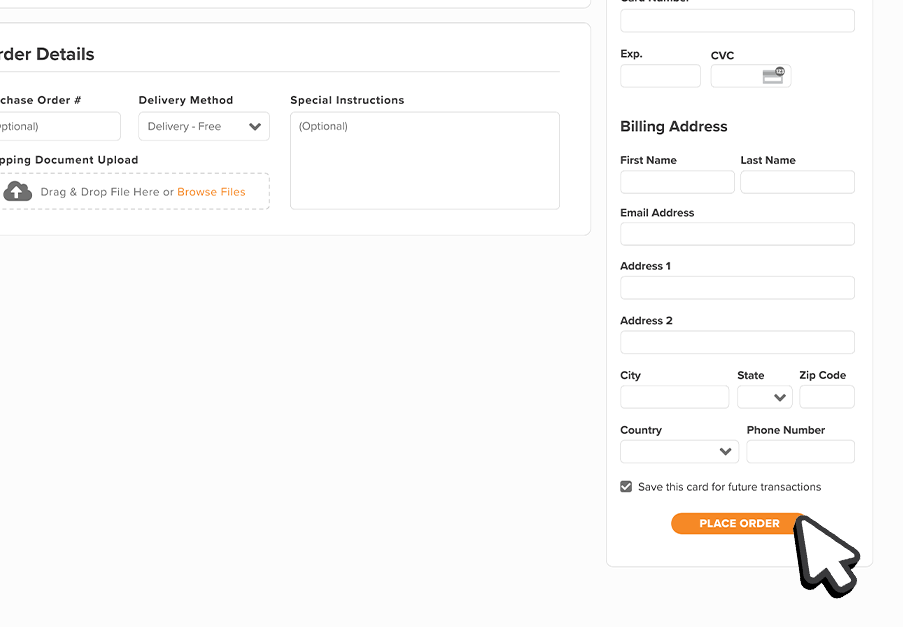
How to Make a Payment at Checkout
Welcome to our step-by-step guide on making payments at checkout. At Tireco Distributors™, we offer multiple payment options for your convenience and flexibility.
What Checkout Offers
- Multiple Payment Methods: Choose between on-account, ACH, and credit card payments.
- Online Support: Get assistance with questions or invoice concerns through our online support system.
- 24/7 Account Access: Manage your account and payments anytime, anywhere.
Step-by-Step Guide
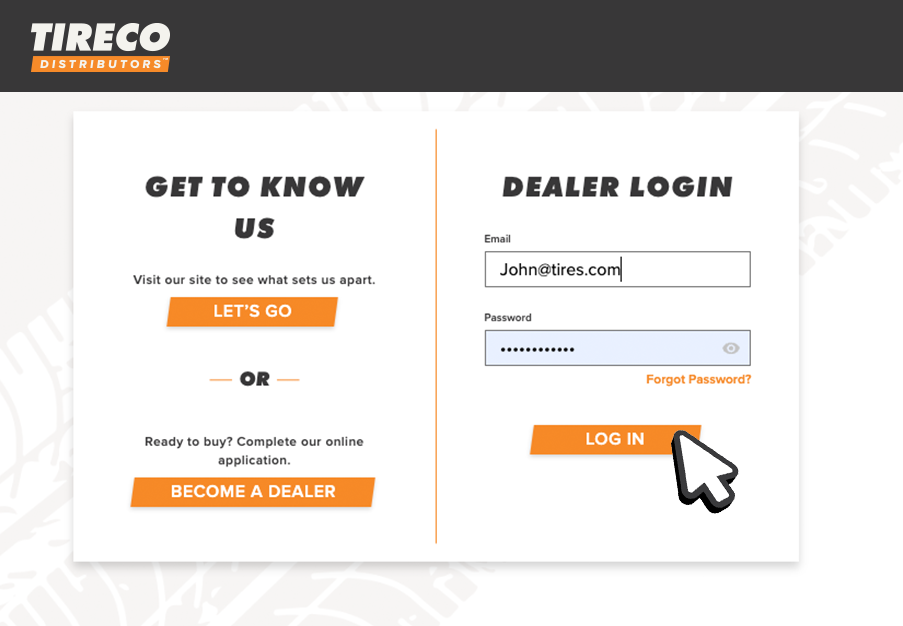
1. Log in to your account on the Tireco Distributors™ website.
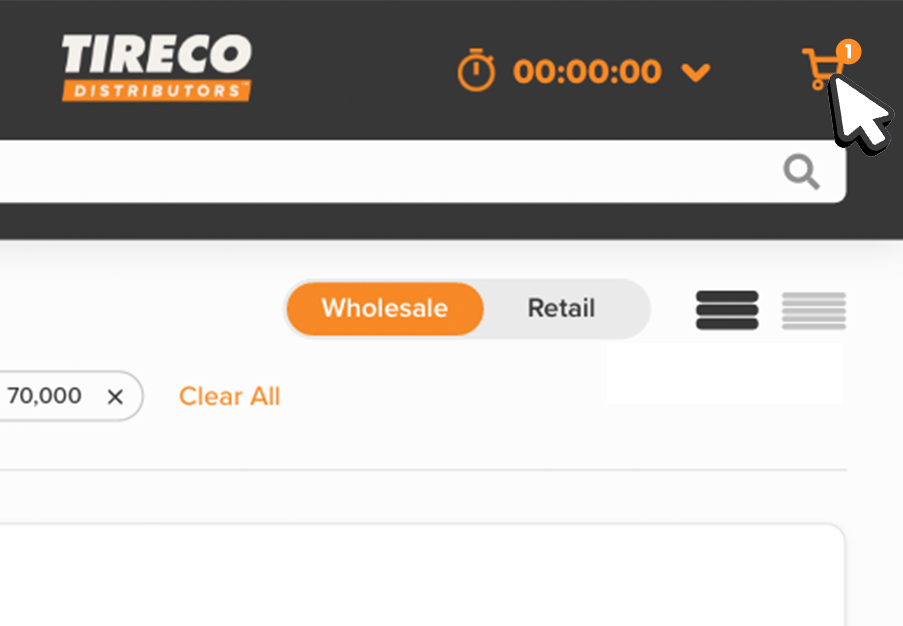
2. Proceed to checkout by selecting your desired items and clicking on the “Cart” icon.
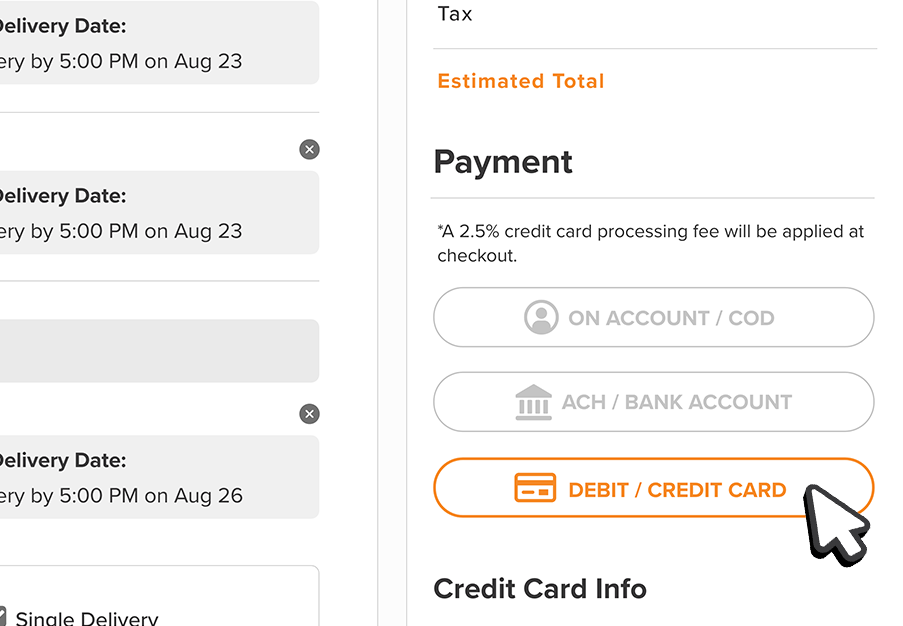
3. Choose your preferred payment method - use , pay on account, ACH / Bank Account, or credit card.
4. Review and confirm your payment details and click “place order” when complete.
Important Reminders
- Credit Card Fee: All credit card transactions will incur a 2.5% credit card processing fee.
- No Service Fees: ACH / Bank Account do not have additional service fees.
Need Assistance?
Our dedicated chat support team can help you with any questions or concerns.
Thank you for choosing Tireco Distributors™. We appreciate your business and are here to serve you!
Thank you for choosing Tireco Distributors™. We appreciate your business and are here to serve you!